
The Blog
Google Ads
When Google Ads and GA4 tell different stories, the algorithm is learning from one of them. These guides cover conversion setup, discrepancies, and getting a recorded sale back to the campaign.

Why GA4 and Your CRM Don't Match
GA4, Google Ads, and your CRM will not report the same number. That is not automatically broken tracking. The real failure is losing the identifiers that connect a click to revenue.

How to Grant Analytics Mates Access to Your Marketing and Analytics Platforms
One guide for granting Analytics Mates access across GA4, Google Tag Manager, Google Tag, Search Console, Bing Webmaster Tools, Microsoft Advertising, Google Ads, and Meta. Use the in-page links to jump to the platform you need.
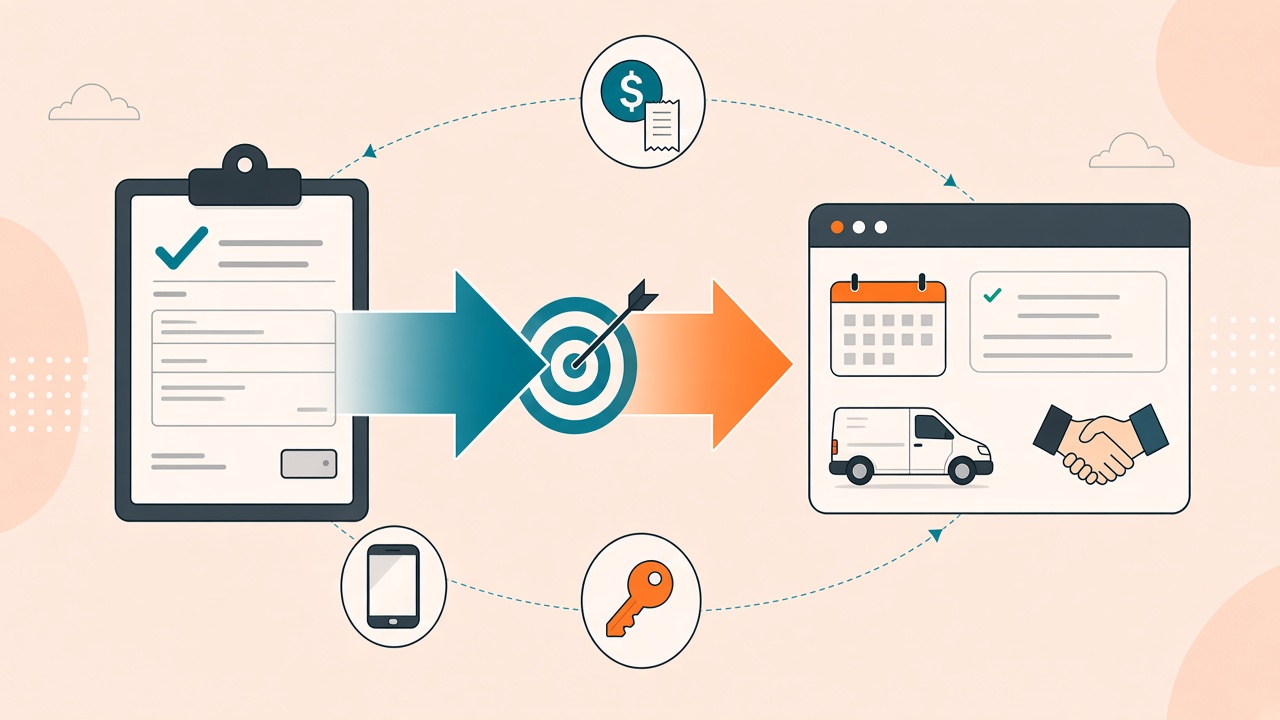
Why Google Ads Is Bidding on Form Fills Instead of Booked Jobs (and How to Fix It)
If Google Ads only sees the form submit, Smart Bidding will chase form submits. Offline conversion import is how you feed it the booked job, the qualified call, or the revenue — and how you tell whether the upload actually landed.
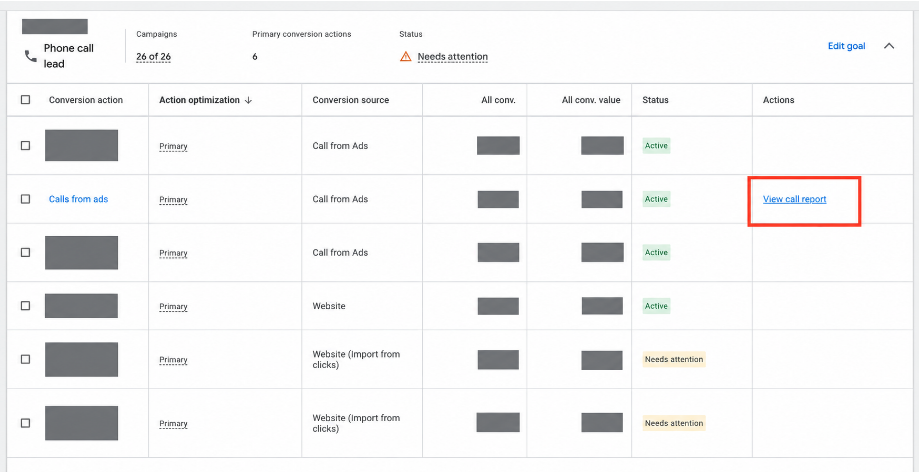
Google Ads' View Call Report Is a Shortcut. It Is Not Call Tracking.
Google Ads now links phone-call conversion actions straight to a Call details report. Use it to see whether paid generated a call. Don't use it to decide if the call was a job — or what your bidding should optimize toward.

GA4 vs. Google Ads Attribution: A Founder's Guide to What's Changed in 2026
GA4 vs Google Ads attribution explained. Why do conversions not match? In this 2026 guide, learn how attribution models, data gaps, and tracking differences impact your numbers and how to use both platforms together to understand performance and make better marketing decisions.

How to Find Duplicate, Ghost, and Fake Conversions in GA4
Fixing UTMs and GA4 settings is step one. Part 3 covers the data quality layer: duplicate events, dead key events, and bot traffic... so Google Ads optimizes on real conversions, not noise.
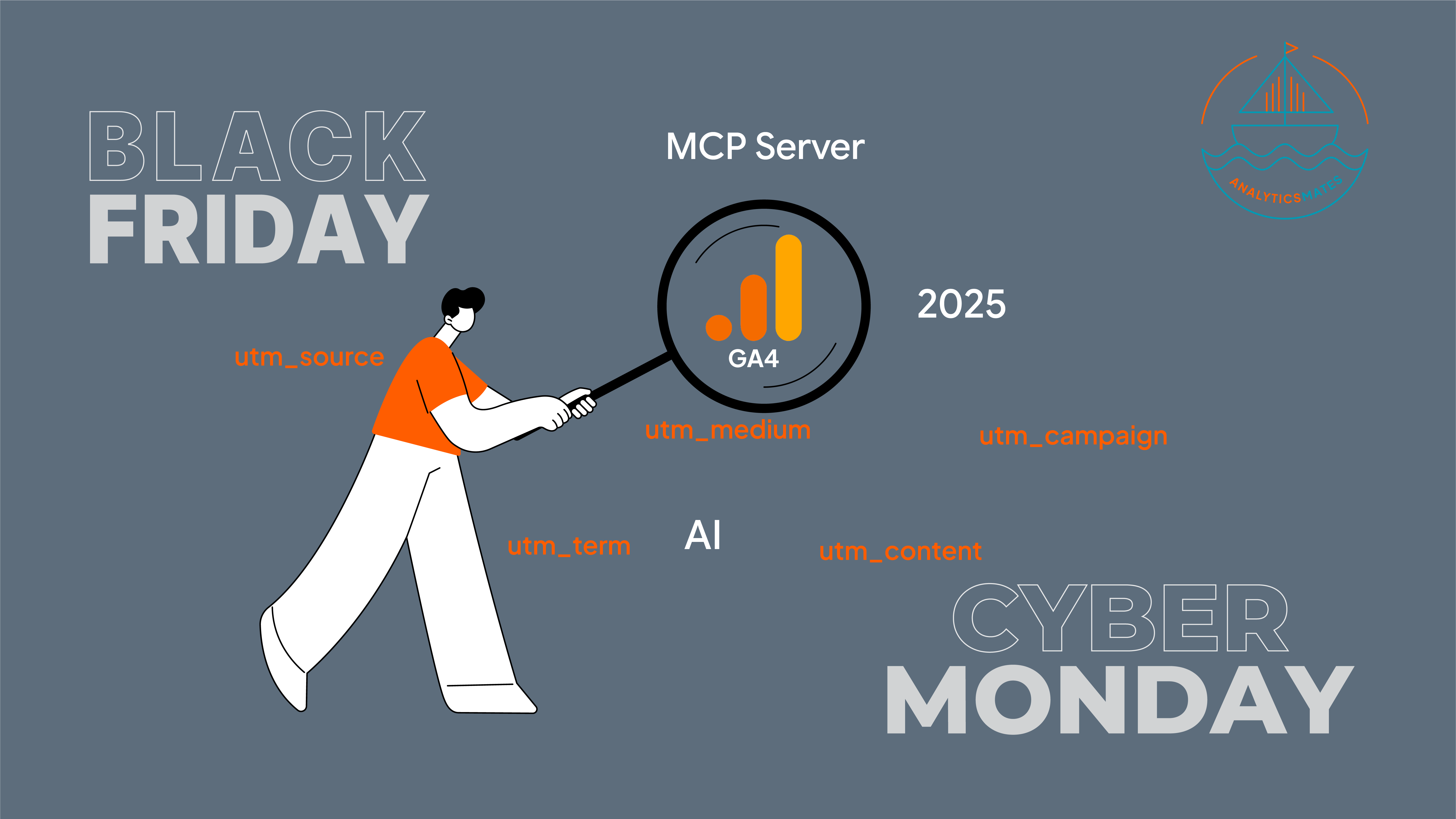
Drive Bigger Black Friday Wins With AI-Powered UTM Tracking
Optimize your Black Friday and Cyber Monday tracking with clean UTM setup, smarter GA4 reporting, and AI-powered analysis. Learn how to avoid misattribution, improve campaign accuracy, and scale what works using updated 2025 frameworks, tools, and step-by-step strategies.
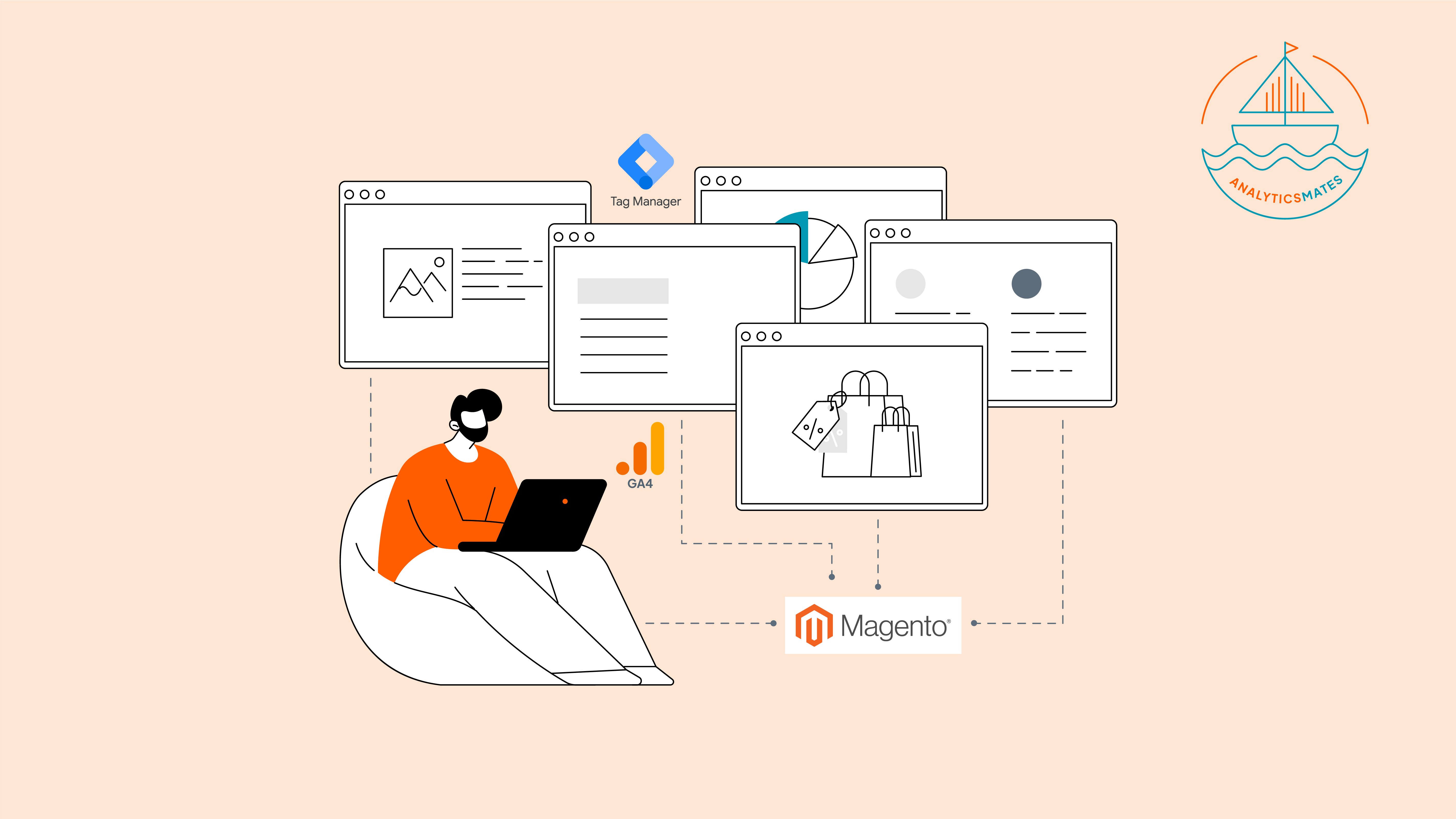
Mastering GA4 & GTM for Magento – Smarter Event Tracking with AI
Learn how to set up GA4 + GTM on Magento with smarter event tracking powered by AI. Follow step-by-step setup, track key ecommerce actions, spot missing events, and avoid common pitfalls like duplicates or misfires to ensure accurate insights and stronger funnel optimization.

How to Set Up Shopify with GA4 & GTM
Set up Shopify the right way with GA4 + GTM. Go beyond Shopify’s basic reports to track key events, map clean ecommerce data, and use AI to spot what matters. Follow our step-by-step setup, test with DebugView, and turn insights into smarter campaigns, better decisions, and more sales.

Preparing Your Google Analytics 4 for Amazon Prime Day
Get your GA4 setup ready for Amazon Prime Day! Learn how to track key metrics, optimize UTMs, and use Explore reports to gain actionable insights. Maximize your campaign performance and make the most of the year’s biggest e-commerce event with smart analytics.

How to Use GA4 Insights to Make Your Google Ads Campaign Strategy More Effective
Learn how to use Google Analytics 4 (GA4) to improve your Google Ads campaigns—from setting the right goals and building smarter audiences to syncing data, refining ad copy, and measuring what matters. Stop guessing and start optimizing with real insights.

Optimizing Your GA4 & Google Ads Setup: Fix Discrepancies and Track What Matters
Learn how to properly link GA4 and Google Ads, import key conversions, set up remarketing audiences, and fix common tracking issues. Optimize your setup to ensure accurate data, better ad targeting, and smarter decisions for your marketing campaigns.

Unlocking Accurate Campaign Tracking in 2025 with UTM Parameters
Unlock accurate campaign tracking in 2025 with UTM parameters. Learn best practices to track performance and optimize your marketing efforts on Analytics Mates!