
Why Google Ads Is Bidding on Form Fills Instead of Booked Jobs (and How to Fix It)
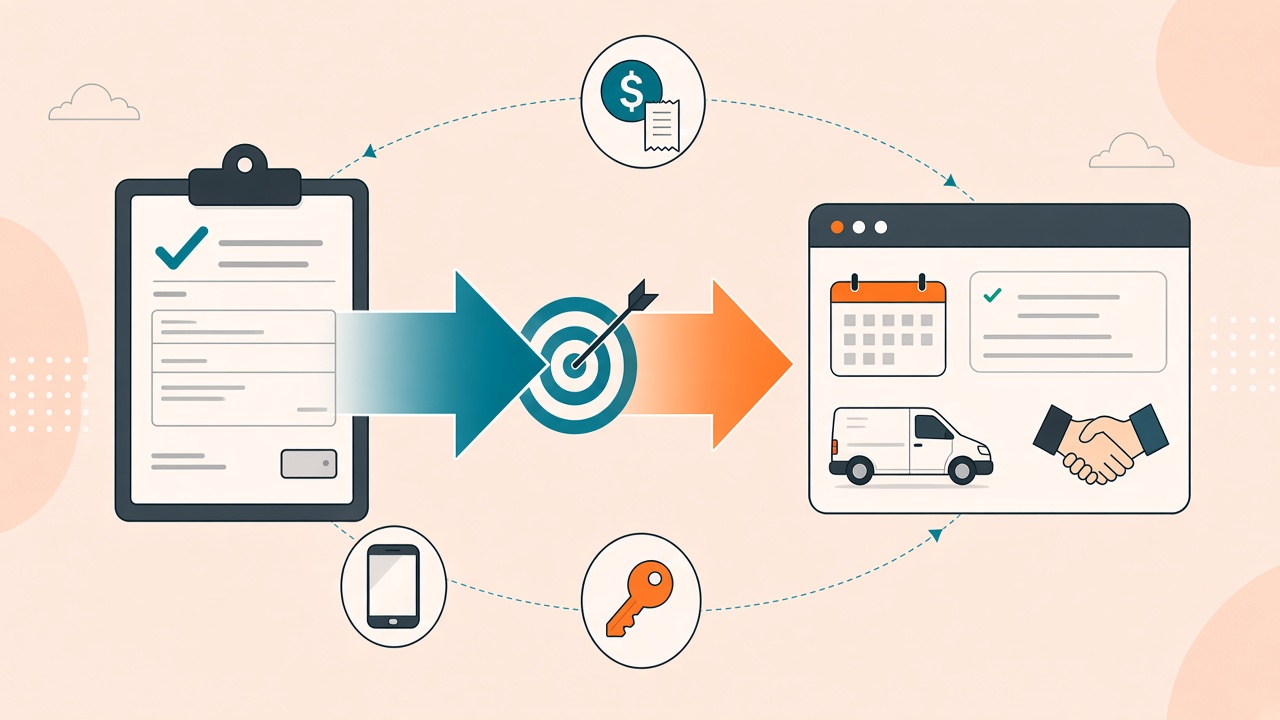
Google Ads will optimize toward whatever conversion you give it.
If the conversion it can see is a form submit, it will buy more form submits. Cheap ones. Fast ones. Often ones that never become a job.
That is not a bidding-strategy problem. It is a signal problem. The algorithm is doing exactly what you asked.
This post is about Google Ads as the destination — Offline Conversion Import (and Enhanced Conversions for Leads). It is not a GA4 linking guide, and it is not a Measurement Protocol walkthrough. Those are different jobs, and we already wrote them: fix GA4 ↔ Google Ads discrepancies and send offline events into GA4.
If you run paid search for a business where the money happens after the click — a booked job, a qualified call, a signed retainer — Ads still needs that outcome. Website tags cannot see it.
The conversion Google can see is the conversion it will buy
Smart Bidding does not know your P&L. It knows conversion actions.
A typical lead-gen account we audit looks like this:
- Primary conversion:
generate_lead/ contact form / thank-you page. - Maybe a call conversion: duration threshold on a Google forwarding number.
- Nothing from the CRM. No booked estimate. No ran job. No revenue.
Then the account “works.” Volume is up. Cost per lead looks efficient. Pipeline is flat.
We have watched this on the phone side too. Google will happily treat “the phone rang for 60 seconds” as success. We wrote that up in Google Ads’ View Call Report is a shortcut. Same shape, different event: the platform is scoring the wrong moment.
The fix is not a new campaign type. The fix is to import the event that actually pays you, and to stop letting the form fill train the bid.
What Offline Conversion Import actually is
Offline Conversion Import (OCI) is Google’s path for sending conversions that happened off the website — in a CRM, a call-tracking platform, a booking system — back into Google Ads, attached to the original click.
Two common flavors:
- Click-based import. You captured a
gclid(orgbraid/wbraid) when the person landed. Days later the job books. You upload that click ID with a conversion time and a conversion action. - Enhanced Conversions for Leads. You did not keep a reliable click ID, but you have a hashed email and/or phone from the lead. Google matches it back to the click.
You need a conversion action in Google Ads of type Import → Offline conversions (or Enhanced Conversions for Leads). Website tags and GA4 imported events are not a substitute. They measure a different moment.
Consent still applies. If ad_user_data was denied, do not send a fully identified offline conversion and hope the platform sorts it out.
Capture the identifier at lead time — or you have nothing to import later
This is the step most “we’ll upload conversions from the CRM” projects skip.
If you wait until the job is booked to go looking for a gclid, it is already gone. The landing-page session is over. The CRM row is a name and a phone number.
What has to be true at origination:
- The landing URL keeps Google’s click identifiers (
gclid, andgbraid/wbraidfor iOS / Privacy Sandbox paths). - Those values are written onto the lead record — form hidden fields, call-tracking custom fields, or the CRM’s original-source fields. Not a note. A field.
- For Enhanced Conversions for Leads: email is trimmed and lowercased before SHA-256; phone is E.164 before SHA-256. Hash drift (hashing a formatted
(312) 555-0100in one system and+13125550100in another) looks like “the upload succeeded” and a match rate of nothing.
Call tracking is the usual failure. The click happened on the site. The call happened on a swapped number. If the call record does not inherit the gclid from the session that produced the number, Google Ads will never see the booked job as coming from that click.
Store the identifier when the lead is born. Import the outcome when the business event happens. That is the whole integration.
What to import (and what to stop bidding on)
Import the event your finance team would recognize:
- Qualified call (a human disposition — not a 60-second timer).
- Booked job / booked estimate.
- Closed-won / invoice paid, if the lag is still inside Google’s import window.
Do not keep the form fill as the primary conversion once the offline action is live and verified. You can keep it as an observation action while you transition. If both are Primary, you are still paying for the cheap event.
Value helps. A booked job at $1,250 should not look identical to a booked job at $180. If you can send a conversion value that matches reality, Target ROAS / Maximize Conversion Value has something real to aim at. If you cannot, start with the high-intent count (booked jobs) before you invent a value model.
”Upload successful” is not the same as “it worked”
Google Ads will accept a file — or an API upload — and show a success state. That means the request was well-formed. It does not mean:
- The conversion attached to a click.
- The conversion action you think you are filling is the one that received it.
- Smart Bidding can see it yet (often 3–6 hours, sometimes more than a day).
- Enhanced Conversions match rate is healthy.
What we actually check, in order:
- Diagnostics on the conversion action. Errors, unmatched click IDs, timestamps in the future, conversion action resource name mismatches.
- The conversion showed up on the action, not only in the upload UI.
- For Enhanced Conversions for Leads: match-rate diagnostics. A successful upload with a low match rate is a hashing or identifier problem, not a “wait longer” problem.
- Bidding is pointed at that action. If Primary is still the form fill, you did the engineering and left the algorithm on the old target.
We treat verify as half the job. Sending without read-back is how accounts collect “we set up offline conversions” in a deck and keep buying form fills in the account.
How this sits next to GA4
You may also want the same booked job in GA4, so reporting matches Ads. That send is the Measurement Protocol — a different endpoint, a different identifier (client_id), a different failure mode.
Do not conflate:
- Google Ads OCI — so bidding can see the revenue event.
- GA4 MP — so Analytics can see the same event.
- GA4 linked to Google Ads — so audiences and (some) conversions already in GA4 can flow across. Linking does not invent a CRM event Ads never received.
Get the Ads import right first if paid search is what you are trying to fix. Then make GA4 tell the same story.
What to do this week
- Open Google Ads → Goals. Write down the conversion action that is Primary. If it is a form, a thank-you page, or a duration-threshold call, you know what the algorithm is buying.
- Confirm whether a
gclid(or hashed email/phone) is stored on the CRM / call record at lead time. If it is not, do not start an import project yet — start an identifier-capture project. - Create (or locate) an Import → Offline conversions action. Do not reuse the website conversion action.
- Upload one real conversion — then wait and read it back on that action. Success in the upload UI is not the checkpoint.
- Only after it lands, move Primary bidding onto that action. Keep the form fill as Secondary / observation until you trust the volume.
If you want this done as a measurement operation rather than a one-off CSV, that is the Signal Dispatch loop: capture the identifier, dispatch the real outcome, verify it landed. Book a consultation if you want us to trace the chain in your account — click ID, conversion action, diagnostics, and what bidding is actually optimizing toward.
Keep reading
- Black Friday 2026: What's New in GA4, GTM, and Marketing Measurement?
Audit GA4 and GTM before Black Friday 2026. Validate purchase values, then review Google’s tagging and Ads updates. A new feature does not fix a broken purchase event.
- Why GA4 and Your CRM Don't Match
GA4, Google Ads, and your CRM will not report the same number. That is not automatically broken tracking. The real failure is losing the identifiers that connect a click to revenue.
- How to Grant Analytics Mates Access to Your Marketing and Analytics Platforms
One guide for granting Analytics Mates access across GA4, Google Tag Manager, Google Tag, Search Console, Bing Webmaster Tools, Microsoft Advertising, Google Ads, and Meta. Use the in-page links to jump to the platform you need.
Work with us
Need this done for your property?
Analytics Mates handles GA4 setup, GTM implementation, Looker Studio dashboards, and the ongoing measurement operations that agencies and in-house teams don't have bandwidth for.