
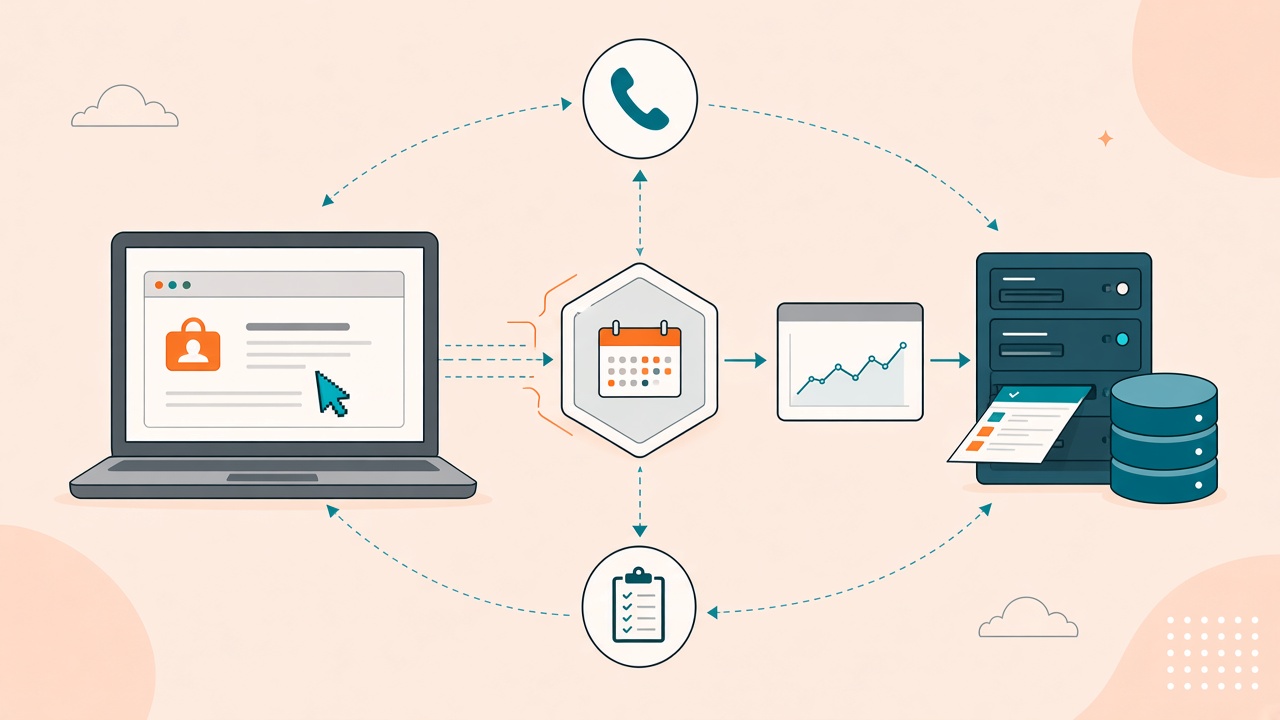
The Meta Pixel is a browser tag. It fires when a page loads, a button is clicked, a thank-you page renders.
A lot of the conversions that pay the bills never render a page. The lead calls. The job books in the CRM two days later. The subscription is invoiced in a backend the Pixel cannot see. Cookie restrictions and ad blockers take a bite out of the rest.
The Conversions API (CAPI) is how you send those events to Meta from a server. Meta does not have a separate “offline conversion import” product the way Google Ads does. Offline and system-of-record outcomes go through CAPI with the right action_source.
A Pixel-only setup is not “a bit leaky.” It is training Meta on the events it can still see — usually the cheapest ones — and silently dropping the ones that matter.
This is not a GTM recipe with a Pixel ID in the screenshot. It is the contract that has to be true for CAPI to help instead of inflate.
Pixel and CAPI are supposed to describe the same event — once
The correct model is both, not “Pixel or CAPI.”
- The Pixel reports what the browser witnessed.
- CAPI reports the same event from the server, and the events the browser never witnessed.
Meta deduplicates when the Pixel and the CAPI event share the same event_id (Pixel parameter eventID, CAPI field event_id). Without that shared key, Meta treats them as two conversions. Your dashboard looks healthier. Your bidding is buying duplicates.
Before you add a server send, map what is already firing:
- Native Pixel events (page view, Lead, Purchase, custom).
- A CRM app or middleware that may already be posting to the same dataset.
- Which dataset / Pixel ID actually receives them. We have seen “CAPI is implemented” and the events landing in a different dataset than the ad account is optimizing against. The Ads Manager view looks empty. The other dataset looks busy. Nobody is lying — they are looking at two pipes.
Until that map exists, do not add a third send.
action_source is not a label. It tells Meta what kind of event this is.
CAPI requires an action_source. The value should match how the conversion happened:
website— aligned with a browser event you are also sending from the Pixel.phone_call— a call, not a form.system_generated— CRM / booking / billing created the event.physical_store— in-person, when that is actually true.
A booked job posted as website because that was the default in a template will not match how Meta expects to use it. Set action_source per event type, not once for the whole integration.
Event Match Quality is how Meta decides how much to trust you
Event Match Quality (EMQ) is Meta’s 0–10 score for how well it can match your event to a person. Identifiers do the work: hashed email, hashed phone, fbc / fbp click cookies, IP, user agent.
A score in the 6–7 / 10 range is the floor we treat as healthy. Below that, Meta still accepts the event (events_received: 1) and then de-weights it. The send looks successful. Optimization barely moves.
What actually lifts EMQ:
- Hashed email and/or phone from the system of record (normalized before SHA-256 — same rules as Google: lowercase trimmed email, E.164 phone).
fbcandfbpcaptured on the landing page and stored on the lead, so a CRM event days later still carries the click cookies.- IP and user agent when you have them and have consent to send them.
What does not lift EMQ: sending more events. Volume without identifiers is just more unmatched rows.
Consent still gates this. If ad user data was not granted, do not ship a fully identified CAPI event.
Test Events are the dry run. events_received: 1 is not verify.
Meta’s Test Events tool (Events Manager, with a test event code on the payload) is how you confirm a send before it is production.
Check:
- The
event_nameyou intended. - The
action_sourceyou intended. - Identifier warnings (“field hashed incorrectly”, missing
fbc/fbp). - The
fbtrace_idin the response — that is the receipt for this send.
Then turn the test code off (or know that production ignores events that still carry it without the matching UI context) and send a real event.
Verify is a separate step. After go-live:
- EMQ on that event source in Events Manager — not only “events received.”
- Dedup coverage — Pixel + CAPI counts merging on
event_id, not stacking. - Coverage — events received over a window roughly match what you dispatched. A large gap is routing, dataset, or filtering — not “Meta delay.”
events_received: 1 means Meta parsed the HTTP request. It does not mean match quality is usable, it does not mean you are on the dataset the campaign uses, and it does not mean you are not double-counting with the Pixel.
Coexistence: do not run two uncoordinated senders
If a Pixel, a server container, and a CRM app all send Lead or Purchase to the same dataset without a shared event_id, you will double-count. That is the expensive failure mode. The quiet one is the opposite: CAPI going to the wrong dataset while the Pixel stays on the live one.
Before you add another sender, classify the account:
- One owner of the conversion event, others disabled or sharing
event_id. - Shared ownership with a documented dedup key and a split you can explain (for example by brand or by event name).
- Two pipes, no shared key — stop and fix that before you send more.
Write it down. The next person who “adds CAPI” needs to see it.
How this sits next to Google Ads and GA4
Same business event, three destinations, three contracts:
- Meta CAPI — this post.
event_id, EMQ,action_source, dataset ID. - Google Ads OCI — click ID or hashed lead identifiers into an import action.
- GA4 Measurement Protocol — server events into Analytics, with a real
client_id.
Cleaning the Pixel does not import a booked job into Google Ads. A GTM Pixel tag does not set Meta EMQ. Treat each destination as its own verify.
What to do this week
- In Events Manager, note the dataset ID your live campaigns actually use. Confirm every Pixel and server send you know about is pointed at it.
- List every system that currently sends Meta events (Pixel, GTM, CRM app, middleware). If two of them send the same event name without a shared
event_id, that is the first fix. - For one high-value event (booked job, qualified call, purchase), confirm you can send hashed email or phone and
fbc/fbpfrom the lead record. - Send one event through Test Events. Fix hash warnings before you go live.
- After a live send, read EMQ and dedup. Do not treat the HTTP 200 as the end of the job.
If you want that loop as an operation — capture identifiers at origin, dispatch to the right dataset, verify EMQ and dedup — that is Signal Dispatch. Book a consultation if you want us to map the Pixel, the dataset, and the CRM send in one pass before anyone adds another CAPI integration.
Keep reading
- How to Grant Analytics Mates Access to Your Marketing and Analytics Platforms
One guide for granting Analytics Mates access across GA4, Google Tag Manager, Google Tag, Search Console, Bing Webmaster Tools, Microsoft Advertising, Google Ads, and Meta. Use the in-page links to jump to the platform you need.
- Black Friday 2026: What's New in GA4, GTM, and Marketing Measurement?
Audit GA4 and GTM before Black Friday 2026. Validate purchase values, then review Google’s tagging and Ads updates. A new feature does not fix a broken purchase event.
- What Wisconsin dentists asked about AI, and what a practice can do this week
On October 15, 2026, a Milwaukee dental study group asked Gary Spagnoli how to use ChatGPT for review replies without putting a patient name in the tool.
Work with us
Need this done for your property?
Analytics Mates handles GA4 setup, GTM implementation, Looker Studio dashboards, and the ongoing measurement operations that agencies and in-house teams don't have bandwidth for.