


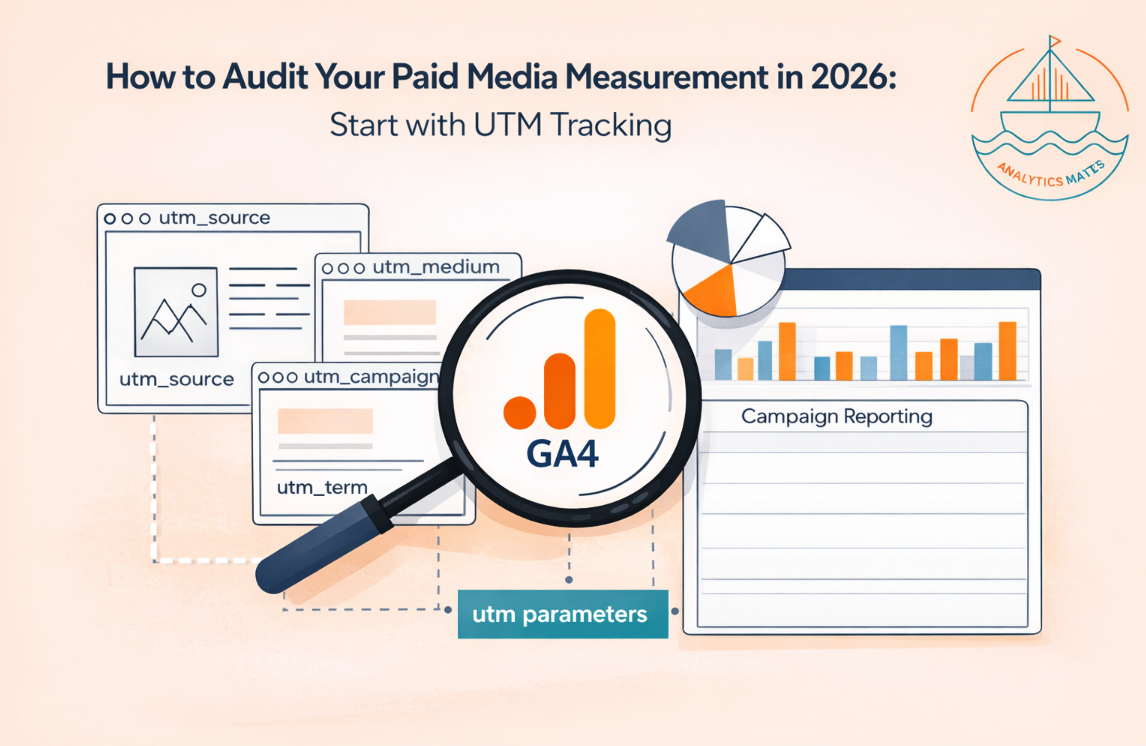




Before you scale paid spend or trust your channel reports, you need to know your measurement is sound. In our 2025 post we covered how to *set up* UTM parameters. This guide is about *auditing* what you already have. We run this same UTM audit for our firm and agency partners - here’s how to do it yourself in GA4, step by step.
---
How to audit your paid media measurement (starting with UTM)
1. Set the date range to 90 days.
In GA4, set your report date range to the last 90 days. We use 90 days on purpose: shorter windows hide seasonality and miss campaigns that don’t run every day; 90 days gives enough volume to see real patterns and flag real problems without noise.
2. Open Traffic acquisition and add campaign dimensions.
Go to Reports > Acquisition > Traffic acquisition

Use Session source/medium (and add Session campaign name if available).
This is the same data our automated UTM audit uses: campaign, source, medium, sessions, and key events.
3. Flag missing campaign names - (not set).
Scan the table for `(not set)` in campaign, source, or medium. Unattributed sessions break channel-level decisions and make paid vs organic impossible to read. Fix by ensuring every paid link uses UTM parameters and that your tagging is consistent. We treat these as high risk in our audit.
4. Flag inconsistent casing.
GA4 is case-sensitive. "Facebook" and "facebook" are two different sources.
Look for uppercase in source or medium and standardize (e.g. lowercase everywhere) so reporting doesn’t fragment.
We tag these as medium risk.
5. Check Direct/(none) volume.
Some Direct traffic is normal. We only flag it when Direct/(none) sessions are 50% or more of your share in the 90-day window - that’s enough of a share to matter. If you’re above that, review where untagged traffic is coming from and add UTMs where you can.
6. Confirm Google Ads is linked (if you run Google Ads).
Go to Admin > Product Links > Google Ads. If you run Google Ads, GA4 must be linked so conversion and attribution data can align. No link = don’t trust paid reporting until it’s fixed.

7. For lead-gen: ensure GCLID is captured.
If you sync offline conversions to Google Ads, leads must capture the GCLID (click ID). Without it, Smart Bidding and conversion sync fail. This is ongoing monitoring, not a one-time check - we watch it separately in our product so we catch drift before it costs you. This is a unique monitoring that The Helm and AI can help with.
8. Standardize going forward with a UTM builder.
Use a single naming convention and a builder for every campaign. We ship a free UTM Parameters Builder in The Helm under Resources: enter your site URL, generate a CSV with recommended source/medium/campaign by channel (Paid Search, Paid Social, Display, Email, Programmatic), and use those URLs in your campaigns. No GA4 connection required.

Try it: The Helm: Resources (UTM Builder)
An example URL with appropriate UTM parameters:
https://www.AnalyticsMates.com
?utm_source=google
&utm_medium=cpc
&utm_campaign=Brand_Search_Q1_2026
&utm_term=google_analytics_training
&utm_content=webinar_replay_button
9. Re-check after you fix.
Re-run the same steps (90-day window, Traffic acquisition, campaign/source/medium) after you fix taxonomy and tagging. If you want the full audit - GA4 config, GTM, key events, UTM, bot traffic, self-referral- we run it for partners and enterprises, or you can start with our [free AI Measurement Integrity Scan] (website + email, no GA4 required).
---
This is the first in a series of how we're revamping our Google Analytics auditing methods in 2026.
Next we’ll go deeper on the way Analytics Mates thinks of doing Paid Media Measurement Audits -
Including GA4 and GTM configurations (what to check in Admin and in your container before you trust the paid media data), then event and conversion integrity (key events, duplicate events, bot traffic, and unattributed traffic so you know what’s actually firing and what’s making it into GA4).
Same 90-day lens, same goal: trust the numbers before you increase media budgets!
Related posts: Unlocking Accurate Campaign Tracking in 2025 with UTM Parameters
See Article Images


